Silhouettes
Fur, watercolour and soft edges
Fur, watercolour and airbrush fade out rather than stopping. Where the cut lands in that fade is a look decision, and these are the four controls that make it.
7 min read
A blade is a yes or no. A soft edge is not. There is no correct answer hiding in the file for the tracer to find, which is why every control here is a control rather than a fixed value — and why the same file can be right twice at two different settings.
Start with where the alpha stops counting
Alpha cut is the line between artwork and background, from 0 to 255, and it ships at 128. On soft artwork it is the first thing to move.
Raise it and the fade sheds from the outside in: the cut comes closer to the solid part of the subject and away from the halo. Lower it and more of the fade is kept, and the cut sits further out in material that prints faint.
The symptom that says raise it is a cutline that bulges around a soft glow, a drop shadow or watercolour spatter, welded onto the silhouette. On the watercolour sample kept for this, 128 chased every blob and 240 dropped the translucent ones.
Spatter that overlaps the subject at full opacity cannot be separated by any parameter. Neither can a drop shadow that has been baked into a flattened file. Both need a clean source — ask for the artwork without the shadow, or with real transparency.
Then drop what is detached
Minimum area drops components smaller than a fraction of the largest one, default 0.02. On the same watercolour file, 0.25 removes the detached blobs entirely and leaves the figure.
It runs before the closing operation. That is the right order and it matters: the other way round, the closing would weld nearby specks onto the artwork first and this filter would never see them as separate.


Fur, whiskers and strands

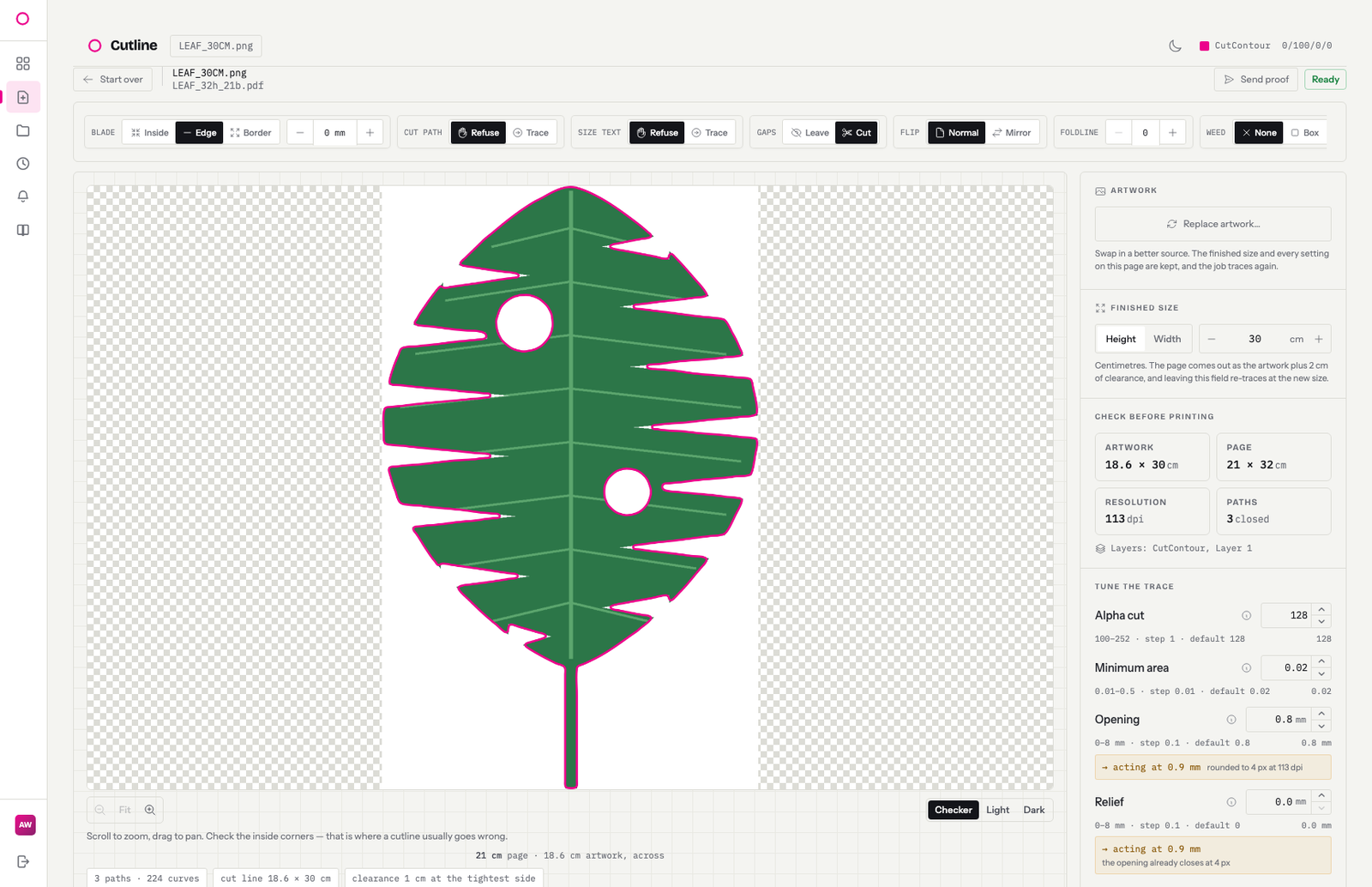

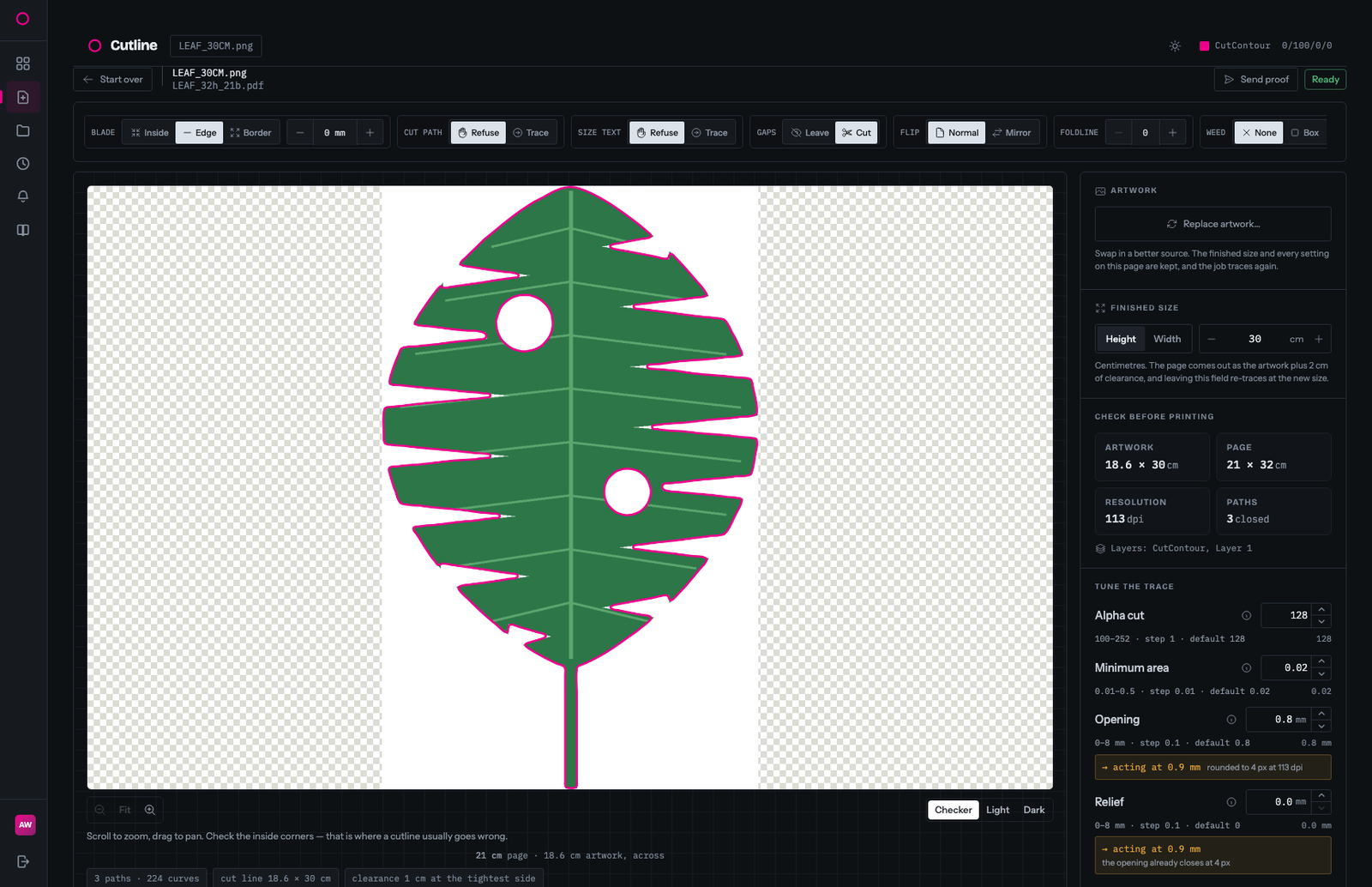
Hair-thin features are legitimately in the alpha channel, so they get traced — and they produce a path no blade can follow. The opening radius removes appendages thinner than it, and ships at 0.8 mm.
The fern sample is the case that set the number: its outer fronds are a few pixels across and a 6 mm opening drops them. They still print — they just fall outside the cutline and get trimmed off. There is a side effect worth knowing: on a 90.2 by 100 cm artwork the cut line came out 69.6 by 95.1 cm, so the clearance the report measures is the margin to the narrowed cut, not to the artwork.


Careful on artwork where thin IS the subject. A stem or a twig 5 mm wide at 100 cm sits inside the same range; a large opening deletes it as readily as it deletes a stray strand.
The other direction is the offset. A positive offset fattens thin features — 3 mm turns a 5 mm twig into an 11 mm one — at the cost of a white halo all the way round the artwork.
When the edge is noisy rather than soft
A jagged, wobbly cutline is a different problem from a soft one. It usually means a JPEG where the artwork and the background are close in tone, so the edge is being found off compression ringing.
Two controls, and they are raised together: edge smoothing, which smooths along the traced edge before the curves are fitted, and curve fit tolerance, which is how far the fitted curve may sit from that edge. Around 1.5 mm and 0.45 mm is the usual pair. One sample — near-black artwork on a black background, as a JPEG — needed 1.6 mm of smoothing and a background tolerance of 8.
This hides the wobble. It does not create information that was never in the file, and pushed too far it rounds off genuine detail. The real fix is a source with a real alpha channel.
At low resolution, the number on the slider is not the number
Every millimetre setting becomes a whole number of pixels of the traced artwork. At 96 dpi that rounding is noise. At 26 dpi it is a different cut path: half a millimetre of smoothing really acts at about 0.77 mm, and 0.8 mm of opening at about 0.97.
Rather than let the control describe something the file never got, the tuner prints the acting value underneath it, with the reason and the pixel figure. Raising the resolution of the artwork before tracing is not the answer — that was measured, and it moves the blade by up to 15.9 mm.
An order to work in
- Alpha cut, until the cut stops chasing the fade.
- Minimum area, until the detached specks are gone.
- Opening, only if there are strands no blade could follow.
- Smoothing and fit tolerance, only if the line itself is wobbly.
- Offset last, because it moves everything you just decided.
Relief stays at 0 throughout. It is the minimum inside-corner radius, and above 0 the cutline is pulled in from the edge — on thin artwork that can leave nothing to cut. By 3 mm the blade has already lifted out of every notch, and a few millimetres further it floats in white space, which is why it was rejected as a default.
Tell the designer once
Supply the artwork at final size, with a transparent background, no drop shadow baked in. A file with alpha needs no threshold, no corner sampling and no guessing about what the background was. File requirements is written to be forwarded.
Try it on your own artwork
Upload a file and read the preflight before you quote.