CutContour prepress
Artwork in.
Cut path out.
Drop in the file you were sent. Get back a print-ready PDF with the cut path on its own separation, the folds scored, and the size named the way your operator expects it.
No card to start · Billing is not switched on yet


What it handles
Four jobs that used to mean an hour in Illustrator

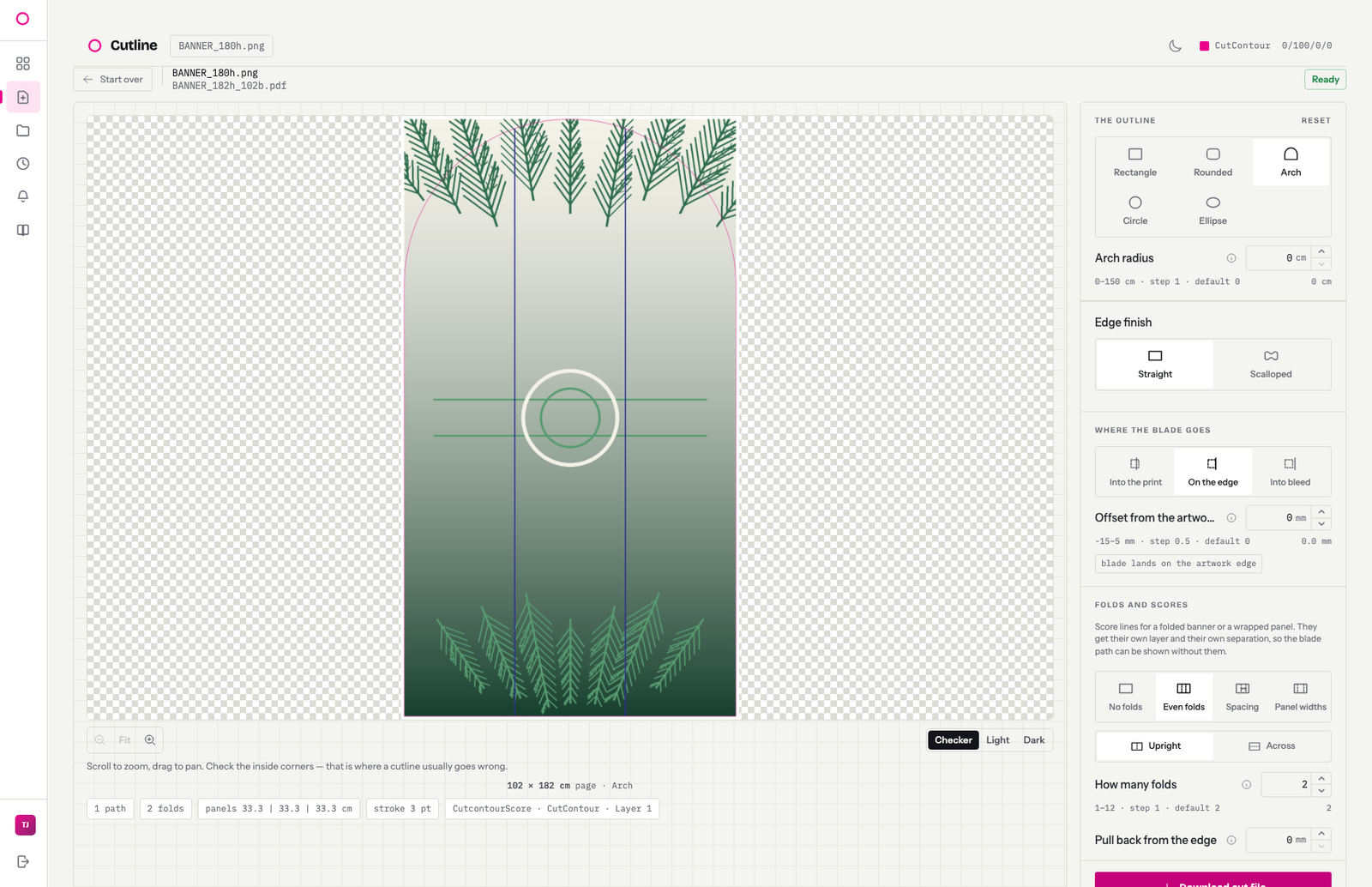

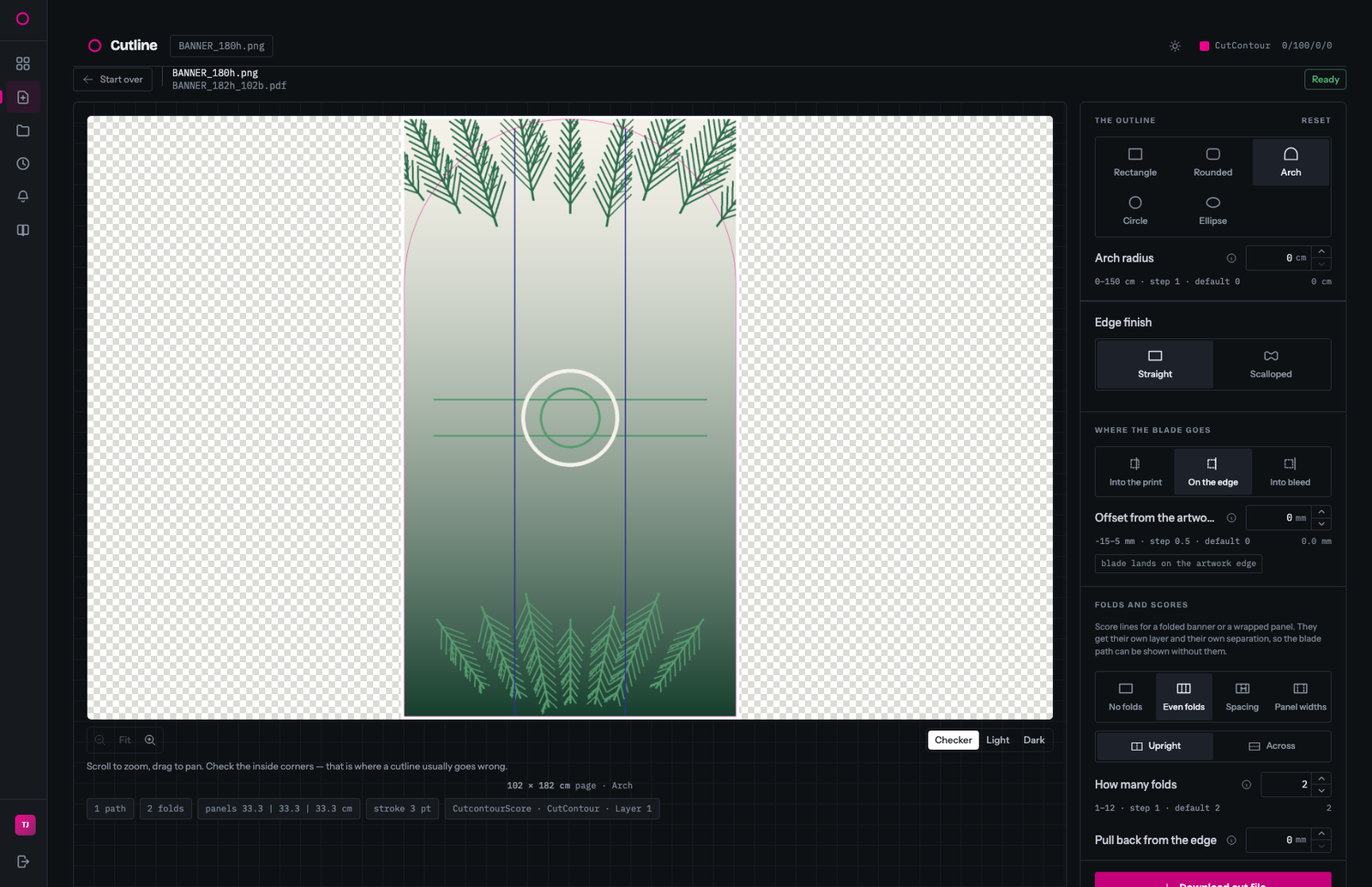
Shapes
Rectangles, rounded corners, arch-top banners, circles. Scalloped edges with the wave depth and spacing you set.
Folds
Score lines on their own separation. Give a count, a spacing, or just the panel widths you quoted.
Silhouettes
Traced from the alpha channel, with the controls to shed a welded glow, drop detached specks and lose strands no blade could follow.
Oversized
Wider than the press? A command-line tool tiles it into panels that butt without a gap, each with its own page and an assembly map.
The part people get wrong
A cut path is not an outline
Trace the edge of a file and you get something that looks right on screen and cuts badly. A blade doesn't turn a corner the way a screen draws one, and a node every pixel is a path a cutter grinds through.
Every path comes out fitted, not sampled — the nodes sit where the shape actually turns, and how tightly they follow it is a millimetre tolerance you set. Smooth curves all the way round, never a chain of short straight steps.
| Check | What happens |
|---|---|
| Resolution | Flags artwork too coarse to hold a tight cut, before you spend time on it |
| Artwork and page | Both measured off the finished PDF, with the filename that follows from them |
| Paths | Counts the subpaths and how many close. Eight or more usually means specks |
| Existing cut | On a drawn shape, names a cut separation the artwork already carried so you don't ship two |
Naming and sizing
Files come out named the way the floor expects
GIANNY_202h_102b.pdf
DIO_202h_172b.pdf
DESERT_P1of3_192h_103b.pdf
Height then width, both in centimetres, and both the page: artwork plus your clearance in total, with the width rounded up to the whole centimetre. Panelled jobs carry their position in the name.
The pattern is fixed rather than configurable — the tracer writes it and nothing in the app can change it — so every file that leaves matches. Nobody renames anything by hand.


Try it on a file you already have
Upload something from last week's job bag and see what comes back.